 TabEvery
Download free
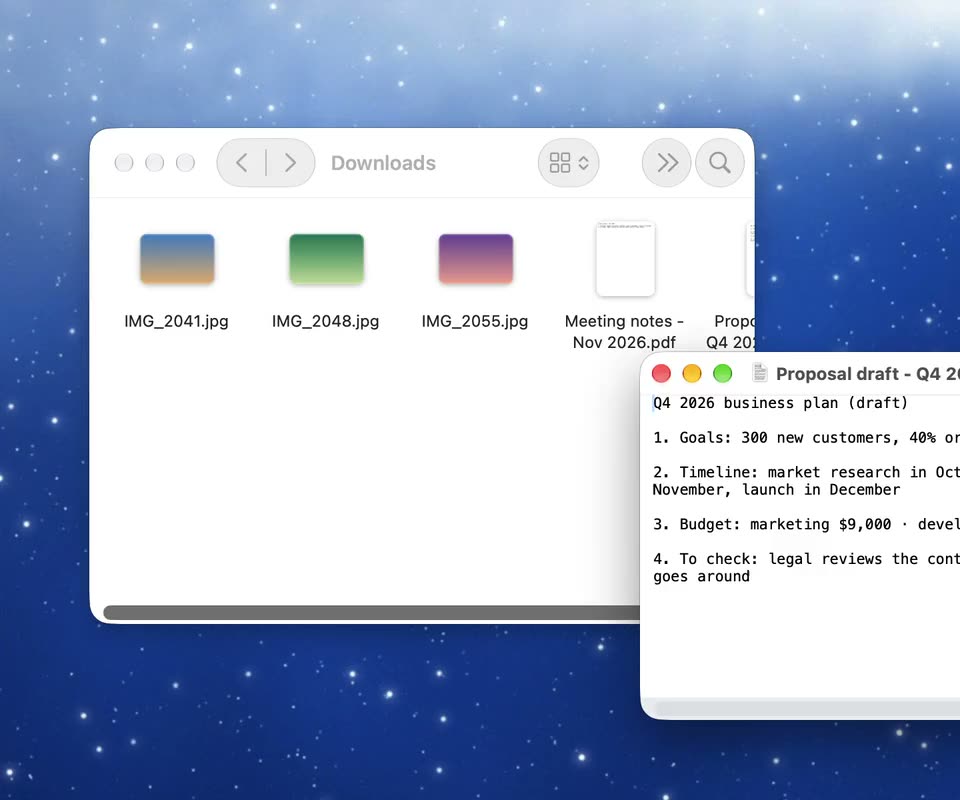
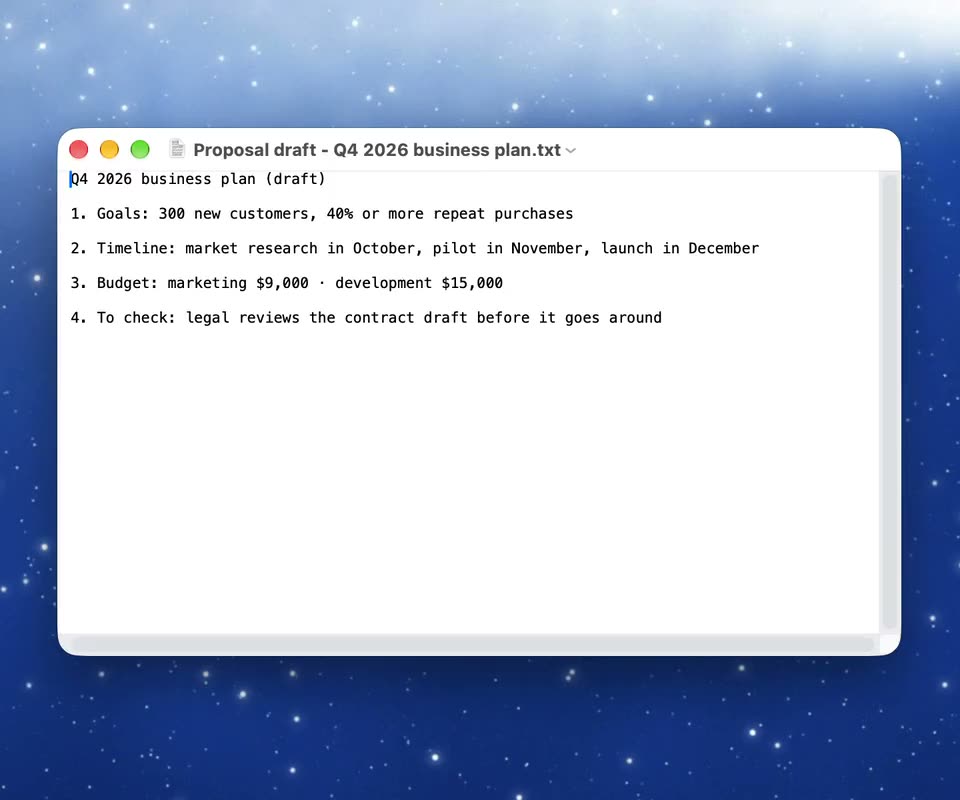
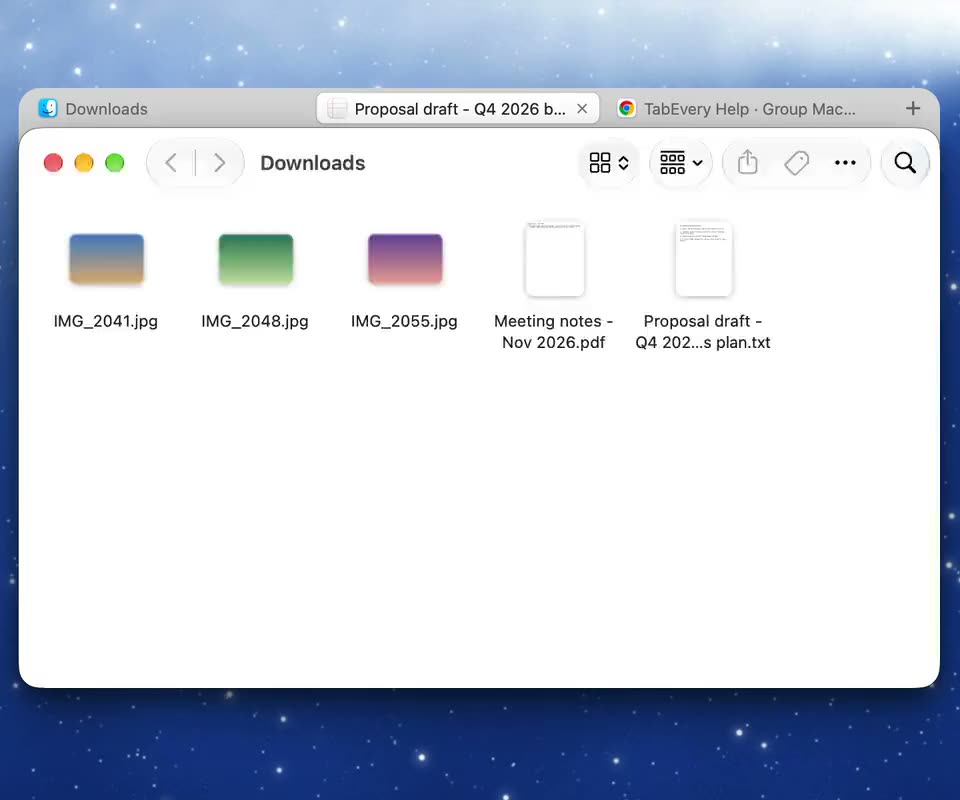
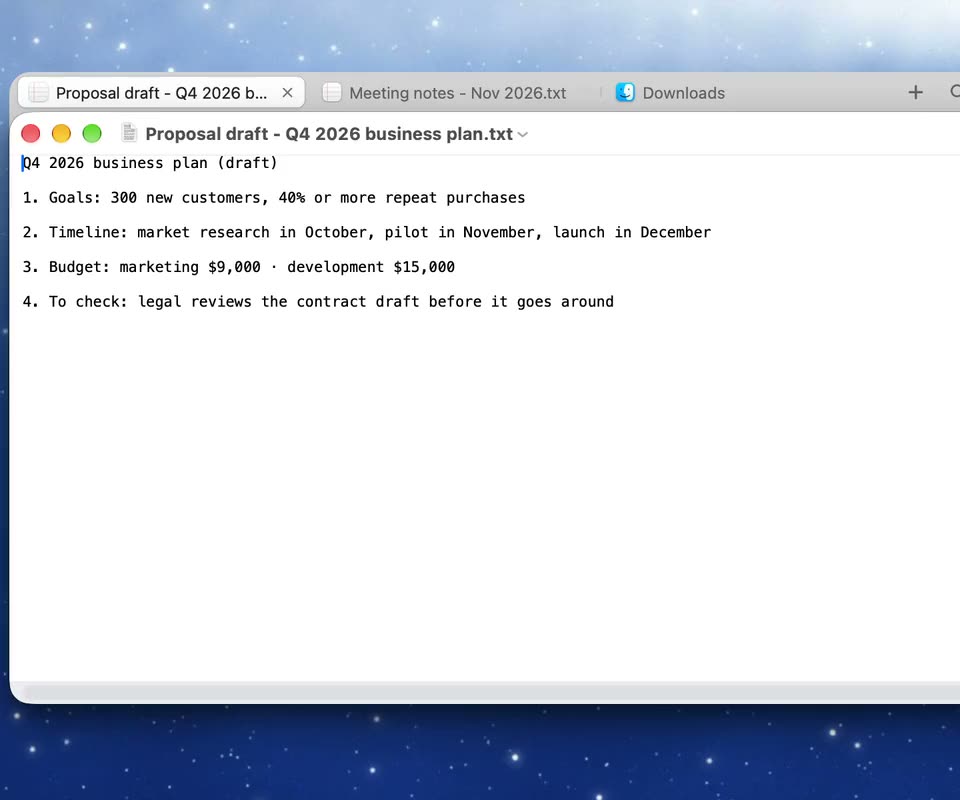
 Proposal draft - Q4 2026 business plan
 Downloads
 TabEvery Help
Changelog
What changed in each version of TabEvery.
1.0.7
2026-11-29 · build 340
Fixes
- Some apps hide a window when you close it and show the same window again later. If you auto-group that app, the window is now grouped again when it comes back.
- TabEvery uses less CPU while idle when auto-grouping is on.
Other
- Menus, settings and messages in the app now use the same words as this website, in all 19 languages.
1.0.6
2026-11-29 · build 321
New
- A license key now works on up to 3 computers. When you enter a key, TabEvery registers this computer with tabevery.com. If all 3 are taken, Settings lists them so you can remove one.
Fixes
- With apps that animate their own window moves, switching tabs could leave a window smaller and lower than its group, and then shrink the whole group. TabEvery now moves those windows in one step.
- After you double-click a window edge at the top of the screen, the corners of the tab bar no longer look cut off.
- If a saved group can’t open because TabEvery wasn’t allowed to access a folder, TabEvery now says where to turn that on.
1.0.5
2026-11-29 · build 298
Fixes
- Saving a group no longer makes macOS ask whether TabEvery may access your Documents, Desktop or Downloads folder. macOS now asks once, the first time TabEvery reopens a saved group with documents from that folder, and says why.
1.0.4
2026-11-29 · build 274
Fixes
- After switching tabs with Option and a number, a window could end up smaller and out of place, with the window behind it showing through, until you restarted TabEvery. TabEvery now puts it back where the group is.
- Saving or opening a saved group no longer freezes TabEvery while macOS asks whether it may access your Documents, Desktop or Downloads folder.
Security
- Importing a settings file can no longer turn off Check for updates automatically.
1.0.3
2026-11-29 · build 260
New
- TabEvery now updates itself. About once a day it checks tabevery.com and downloads a new version in the background. It never restarts while you work: when an update is ready, choose Update and Restart in the TabEvery menu, or it is installed the next time you quit TabEvery. You can turn this off with Check for updates automatically in Settings. If you have 1.0.2 or earlier, download this version once from the website.
- Report a Problem… in the TabEvery menu sends us a problem report, and Send Report after a crash now sends it directly instead of opening an email draft. A report contains the versions, where it crashed and the recent activity log, never window titles or anything you type. It is sent only when you press Send Report.
- If you open TabEvery from the disk image or the Downloads folder, it offers to move itself to the Applications folder and reopen from there.
Security
- Moving itself to the Applications folder checks the copy's signature before opening it.
- Reopening a saved group opens only documents that app could already open when you saved the group.
- TabEvery's log files no longer follow links to other files.
Fixes
- TabEvery could quit if the wait after a display change or wake ended at the wrong moment.
- A group from your last session is no longer forgotten when one of its windows can't be grouped again.
1.0.2
2026-11-29 · build 242
Fixes
- TabEvery no longer learns a window's smallest size right after the display setup changes or the Mac wakes. After unlocking a Mac while an external display was still reconnecting, a hidden tab could be left at the wrong size, and the group could change size the first time you switched to that tab.
1.0.1
2026-11-29 · build 233
Security
- Reopening a saved group no longer opens documents in hidden folders or in the Library folder, and never opens a whole folder. Documents in iCloud Drive and cloud storage folders still open.
- TabEvery's own files no longer keep window titles in readable form. Saved groups keep the titles you saved.
- The watcher process is checked against TabEvery's signature before it starts, and on macOS 14.4 or later the system checks it again as it starts.
- TabEvery no longer stops when another app reports a window position that is not a number, or closes a window during a tab switch.
- A license key that TabEvery can't read is refused.
- The log no longer records the email address of a registered key, and window titles that begin with a combining character are now hidden in it like any other title.
1.0.0
2026-11-29 · build 203
First version.
Grouping
- Drag a window by its title bar onto another window to group them into tabs.
- Auto-group new windows from the apps you pick, in the order you open them.
- Group all windows of the front app, or pick windows from a list.
- Add open windows to a group with the + button on the tab bar.
Tabs
- Switch tabs with a click, Option with an arrow key, or Option with 1 to 9. The modifier keys can be changed.
- Split view: two tabs of a group side by side or top and bottom, with Option and \.
- Reorder tabs by dragging. Drag a tab down to remove it from the group.
- Rename, pin and color tabs. Find a tab by title or app name.
- One size for the whole group, or each tab at its own size as a setting.
Keeping your windows
- Quitting puts every window back at the size and place it had before grouping.
- A separate watcher process puts windows back if TabEvery is forced to quit.
- Groups are restored when TabEvery opens again. Saved groups reopen a set of windows later.
Other
- Runs on macOS 14 or later, on Apple silicon and Intel Macs.
- The app is in 19 languages: English, Korean, Japanese, Simplified Chinese, Traditional Chinese, German, French, Spanish, Italian, Brazilian Portuguese, Russian, Dutch, Turkish, Swedish, Indonesian, Vietnamese, Polish, Ukrainian and Thai.
- 14-day free trial. A license key is checked on your Mac, without an account.