 TabEvery
Download free
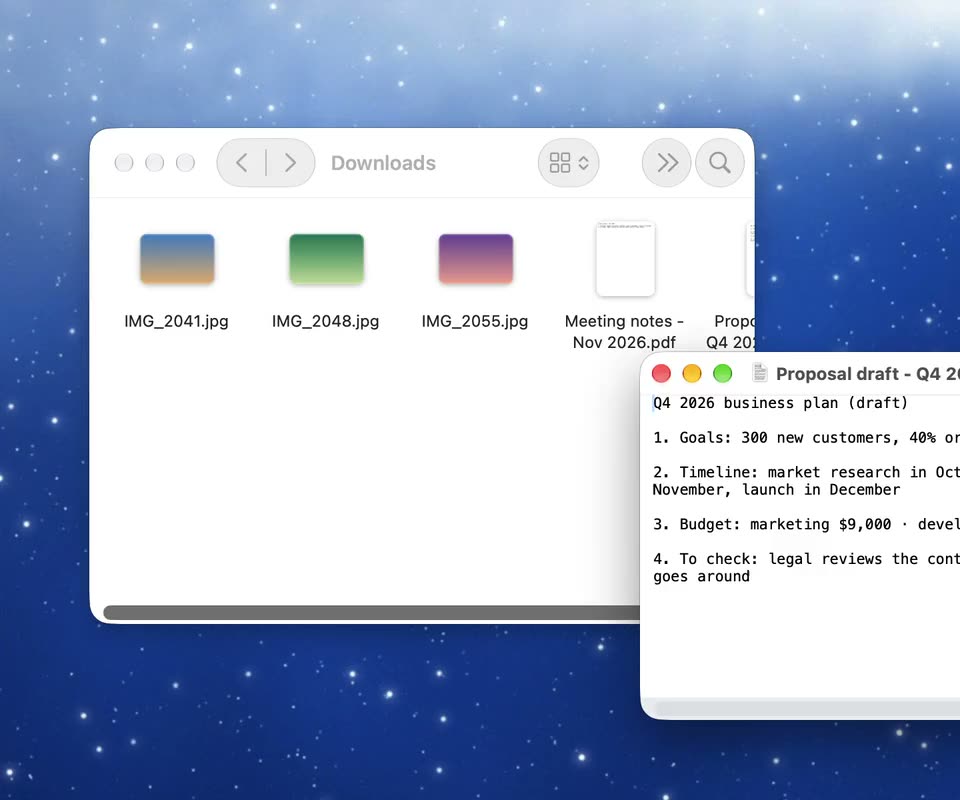
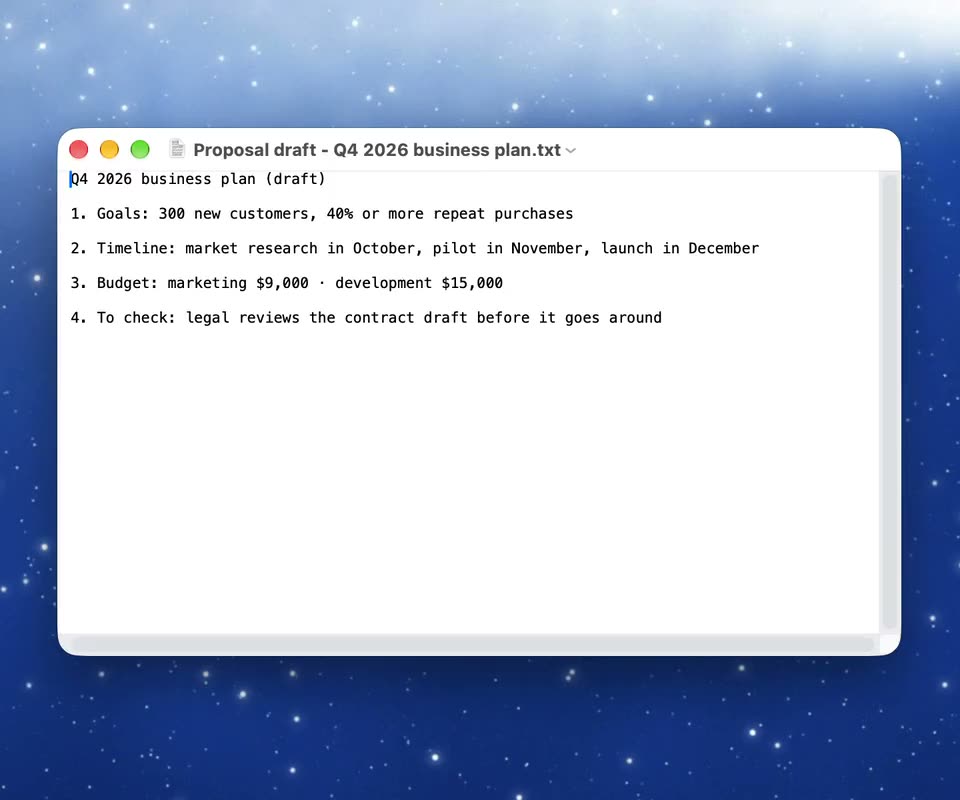
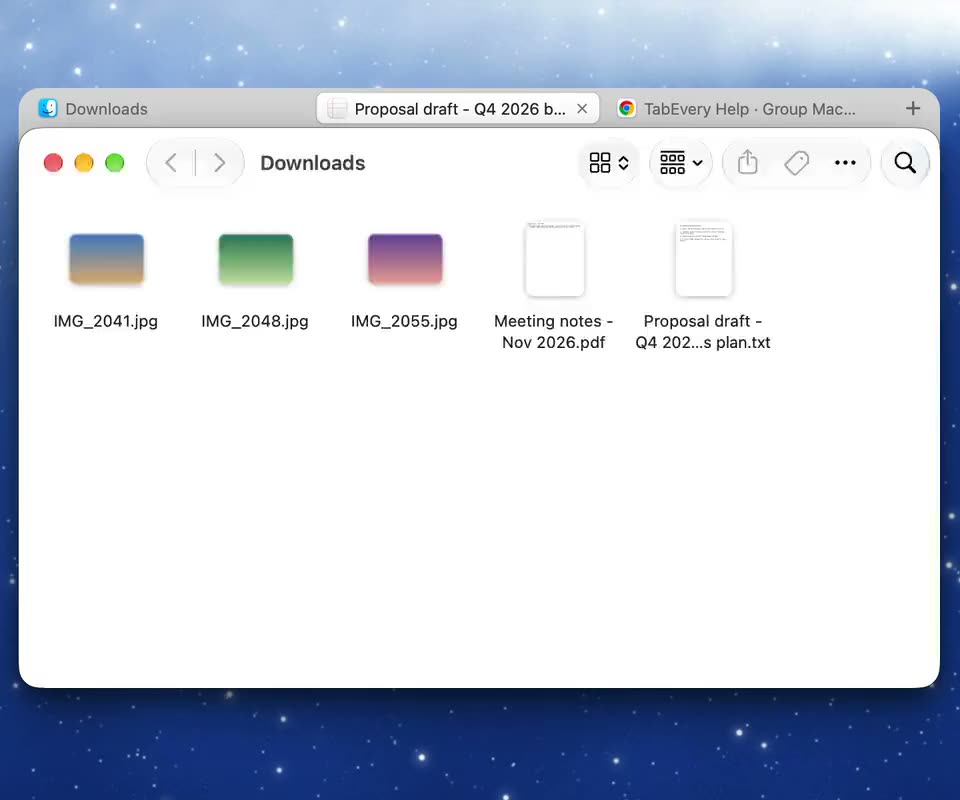
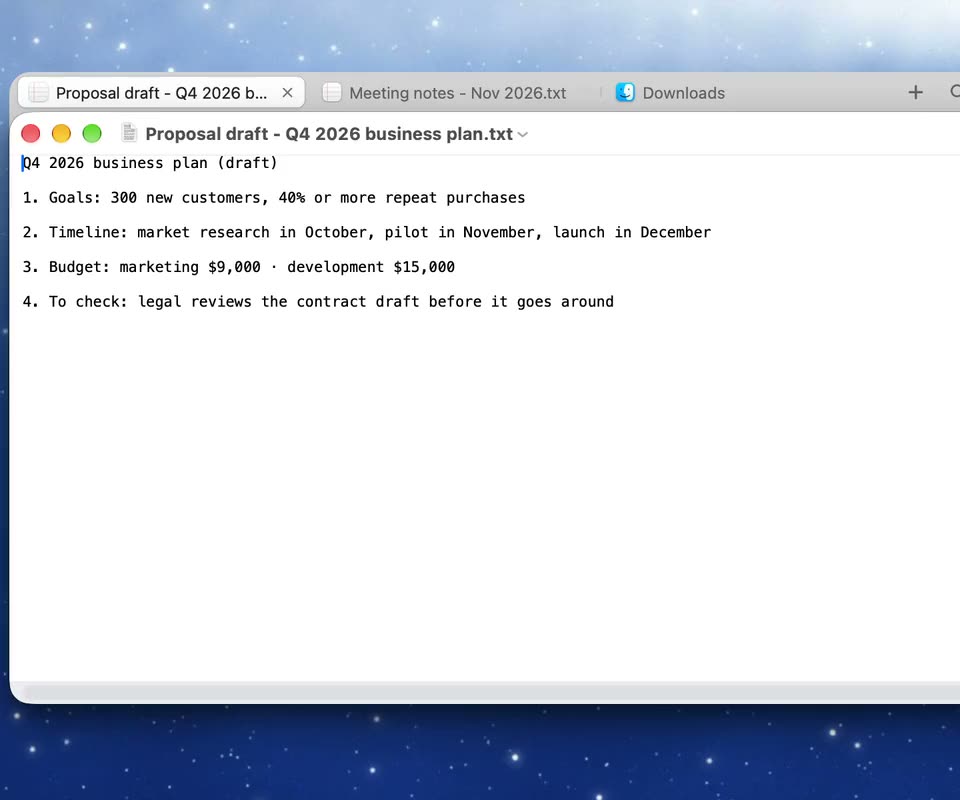
 Proposal draft - Q4 2026 business plan
 Downloads
 TabEvery Help
Why we built TabEvery, and what we measured
TabEvery groups windows from any Mac app into tabs. Its one promise is that you won't lose a window. This page says why we built it that way and shows the numbers we measured, with how each one was taken.
Why
macOS has window tabs, but only between windows of the same app, and only in apps that support them. Work rarely stays inside one app. An editor, a terminal, a browser and a Finder window belong to one task, and they end up spread across the screen.
An app that moves other apps' windows around carries a risk the built-in tabs don't have. If it goes wrong, a window can end up at the wrong size, or somewhere you can't reach it. So before adding features, we decided what must always hold:
- No window is lost. Hidden tabs are never moved off screen or minimized. They sit behind the tab you see.
- Everything goes back. When TabEvery quits, every window returns to the size and place it had before grouping. If TabEvery is forced to quit, a separate watcher process does the same.
- Switching shows nothing wrong. No flash of the wrong window, no window that disappears for a moment, no tab bar that gets covered.
- New windows are not skipped. When several windows open at once, all of them join, in the order they opened.
Then we measured whether they hold.
How we measured
- One Mac. A Mac mini (Mac16,10) with macOS 27.2.1, one 1920 by 1080 display and two desktop Spaces. Your Mac will give different numbers.
- When. First on 2026-11-28 with builds of TabEvery 0.1.0 made before release (the sections below), then again on the night of 2026-11-28 to 29 with version 1.0.0 (Re-check on 1.0.0).
- Real input. Tab switches were triggered with real key presses and mouse clicks. Results were read from the macOS window list, which records where each window is and which one is in front.
- Scripts, not impressions. Each test is a script that runs the same steps and counts the results. Where a test could not be run, it is listed under What we did not measure.
Re-check on 1.0.0
Run again from 23:32 on 2026-11-28 to 00:01 on 2026-11-29, on the same Mac with version 1.0.0. The numbers on the home page come from this run, except CPU and memory, which come from the 1.0.0 release-build run described under CPU and memory below.
| What | Result |
|---|---|
| Quit normally 5 times and force quit (kill -9) 5 times, then start again | 10 of 10 came back with the same groups, tab order and visible tab. 10 of 10 at their size before grouping, 0 off screen |
| Apps: of 47 tried, 42 opened a window, 38 of those windows can be grouped | 38 of 38 passed grouping, dragging out, restore and restore after a force quit. 0 off screen. The other 4 (Calculator, Digital Color Meter, Grapher, Freeform) are windows TabEvery does not group |
| 5 new windows within a second, in TextEdit, Chrome and Finder, 3 times each | 45 of 45 joined, in the order they opened (9 of 9). All joined within 0.51 to 0.80 seconds |
| Tab switches with real key presses | 0 wrong windows in 159. 0 slower than 150 ms. Average 33 to 53 ms, slowest 96 ms (default group size) |
| Drag a window onto another to group it | 10 of 10 grouped. Moving a window without meaning to group it: 0 of 10 grouped by mistake |
The earlier app count of 41 used a different set of apps on an earlier build. Apps that need a personal account (Figma, Linear, Docker Desktop, Tips) were left out of this run.
Tab switching
On 1.0.0, with one size for the whole group, the slowest case is a group of large windows from several apps:
| Group | Average | Slowest |
|---|---|---|
| Windows of the same size | 42 ms | 56 ms |
| Windows that can't shrink all the way | 90 ms | 119 ms |
| Six apps filling the screen, jumping to the front tab | 111 ms | 145 ms |
No switch on 1.0.0 took longer than 150 ms. The rest of this section is from the first build (0.1.0), kept as it was measured.
We pressed the tab shortcuts 145 times across four setups: 3 tabs of one app, 4 apps at similar sizes, 4 apps at mixed sizes up to 1300 by 850, and a group of 15 tabs.
| What | Result |
|---|---|
| Wrong states during a switch | 0 in 145 switches |
| Time, 3 tabs of one app | 75 ms on average, 95 ms at most |
| Time, 4 apps at similar sizes | 100 to 105 ms on average, 149 ms at most |
| Time, 4 apps at mixed sizes | 100 ms on average, 172 ms at most |
| Time, 15 tabs | 113 ms on average, 157 ms at most |
| Switches slower than 150 ms | 3 of 145 |
- A wrong state means any of these: the wrong window showing, a window missing for a moment, the tab bar covered, or a hidden tab sticking out from behind the one you see.
- Time runs from the key press until the window list shows the new tab in front at its full size.
- Our target was 150 ms. The average is about 100 ms, and 3 switches of 145 went over. We report that as it is.
- Most of the time is waiting. After asking an app to resize or come forward, TabEvery waits until the screen reflects it before the next step. Skipping that wait made switches faster in our early builds, and it also let a hidden tab show for a moment. We kept the wait.
- The time stays about the same as tabs are added, because a switch touches only two windows: the one leaving and the one arriving.
These timings were taken while each tab kept its own size. Since then the default became one size for the whole group. With that default we checked on a MacBook that the window size and the tab bar did not change in 20 switches. The 1.0.0 timings above were taken with that default.
Getting windows back
| What | Result |
|---|---|
| Force quit (kill -9) with groups open, 10 times | 10 of 10 restored, in 3.2 to 3.4 seconds |
| Force quit with 3 windows in one group on a MacBook (the recording on the home page) | Restored in 0.4 seconds |
| Force quit with each of 41 apps in a group | 41 of 41 restored |
| Normal quit after 3 hours 53 minutes, 15 windows | 0 at a different size, 0 at a different place |
| Windows left off screen, in every test | 0 |
| Restart with 3 groups and 15 tabs, 10 times (5 normal quits, 5 force quits) | 10 of 10 came back with the same groups, tab order and visible tab, in 3.3 to 4.7 seconds |
Restored means each window was back at the size it had before grouping, on screen. A separate small process watches TabEvery and does this when TabEvery itself can't.
Auto-grouping
- We opened 5 new windows within one second, 3 times each in TextEdit, Chrome and Finder. All 45 windows joined, in the order they opened.
- An earlier run on the same code with 4 apps, 10 times each, joined 200 of 200.
App compatibility
We ran the same script on 47 apps. For each app it groups a window, switches tabs back and forth 6 times, drags the group by the app's title bar with the real mouse, removes the tab, groups it again, force quits TabEvery and checks that the watcher restored the window.
| Outcome | Apps |
|---|---|
| Passed every step | 41, including Finder, Safari, Chrome, VS Code, Terminal, iTerm2, Preview, TextEdit, Figma and Linear |
| Not grouped on purpose | 3 small utility windows: Calculator, Digital Color Meter, and Grapher's new-document chooser |
| Could not be tested | 3: Notes, Freeform and Docker Desktop |
In 9 apps, such as Music and Books, a welcome or file-picker window that the app opens at launch showed above the app's tab during the test. Closing that window clears it.
30 minutes of random use
A script performed 705 random actions over 30 minutes on 3 groups with 15 tabs: switching, reordering, removing and regrouping tabs, dragging, closing and minimizing windows, and quitting apps.
- Crashes: 0
- Hangs: 0
- Windows not where they should be 2 seconds after an action: 0
- Windows off screen: 0
CPU and memory
Measured on the 1.0.0 release build from 01:39 to 03:16 on 2026-11-29, with 3 groups and 15 tabs open, in one process the whole time.
| Period | CPU | Memory |
|---|---|---|
| Idle, 61 minutes | 0.21% on average (0.17 to 0.23% per minute) | 25 MB the whole time |
| In use, 35 minutes, a tab click every 20 seconds (104 clicks) | 0.29% on average, 0.84% in the busiest minute | 25 to 26 MB |
Memory is the footprint that Activity Monitor shows. Neither number kept rising. The targets were 1% CPU at idle and 60 MB. An earlier build measured 0.24% and 22 MB at idle; memory is 3 MB higher now, with the features and logging added since. Quitting at the end put 14 of 15 windows back at their size and place, with 0 off screen. The 15th window had been closed by the test's own clicks, so it could not be compared.
What we did not measure
These were not tested on real hardware, so we make no claim about them yet.
- Unplugging a display. Using two displays was tried on a MacBook with its built-in display and one external display: moving windows between displays, quitting, force quitting and reopening lost no window.
- Sleep, screen lock, logout and restart
- macOS 14, and real Intel Macs. The app is built for both. Its Intel part was run once under Rosetta on an Apple silicon Mac and gave the same result. The tests above ran on Apple silicon with macOS 27.
- Apps that were not installed on the test Mac, such as Microsoft Office, Slack and Discord
- Battery use. The test Mac is a desktop.
Known limits
- A tab dragged to another Space leaves its group.
- A group that was minimized when TabEvery quit is not regrouped automatically.
- With large windows from several apps a switch can take close to 150 ms (145 ms at the slowest on 1.0.0).
More on each of these is in Help. Found something that doesn't hold on your Mac? Email support@tabevery.com.