 TabEvery
Download free
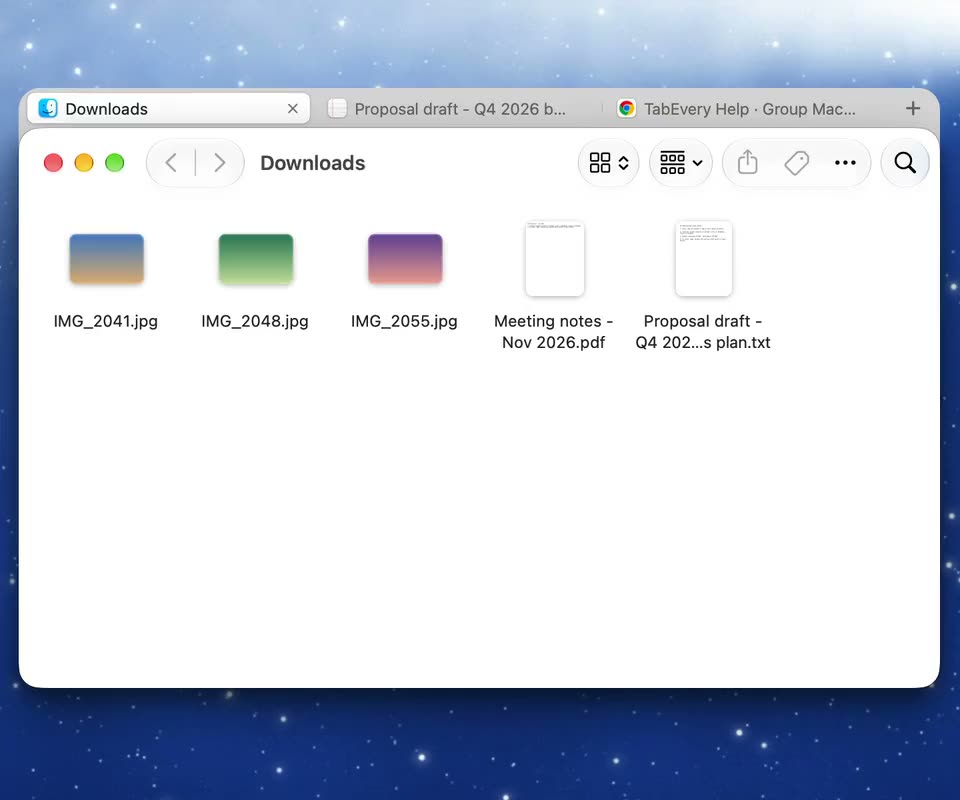
 Proposal draft - Q4 2026 business plan
 Downloads
 TabEvery Help
Download TabEvery
You have the latest version, 1.0.7.
A newer version is available: 1.0.7 (build 340). You have an older version.
Your download has started. If it didn't, use the button above.
TabEvery is a Mac app. Open this page on your Mac to download it.
Version 1.0.7 (build 340) · Free for 14 days, no account needed · 4.6 MB
What you need
- macOS 14 or later
- A Mac with Apple silicon or an Intel processor. One app runs on both.
- Accessibility access, which TabEvery asks for the first time you open it
Install
- Open the disk image you downloaded.
- Drag TabEvery to the Applications folder.
- Open TabEvery from Applications. It lives in the menu bar and has no Dock icon.
- Turn on Accessibility access when TabEvery asks. The steps are in Help.
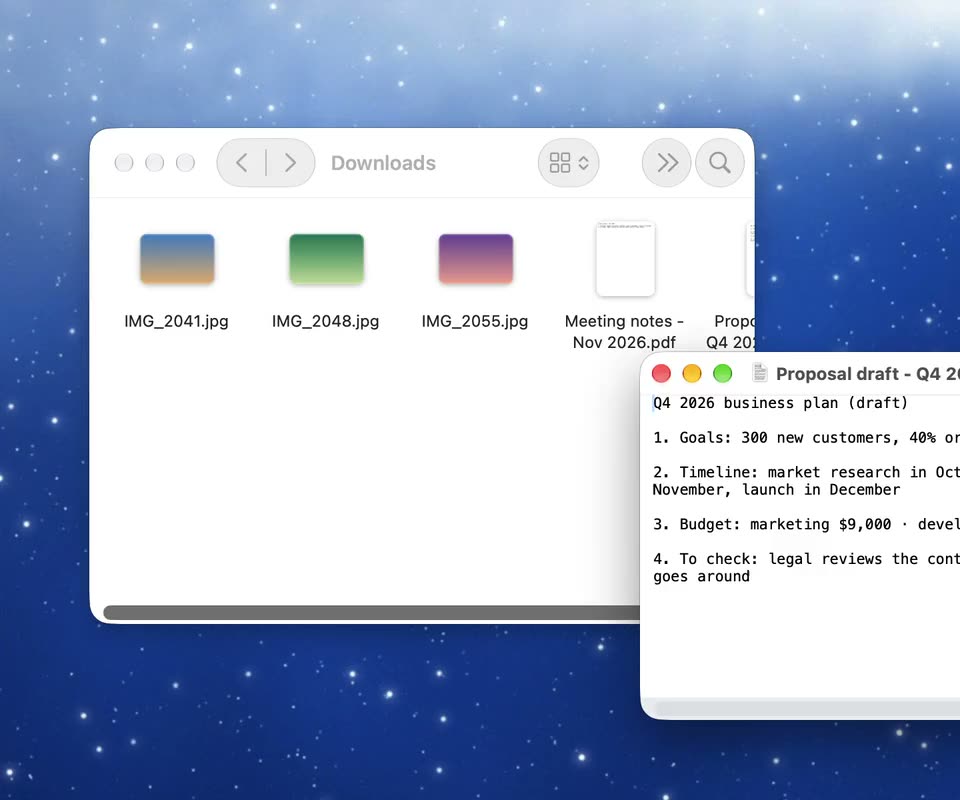
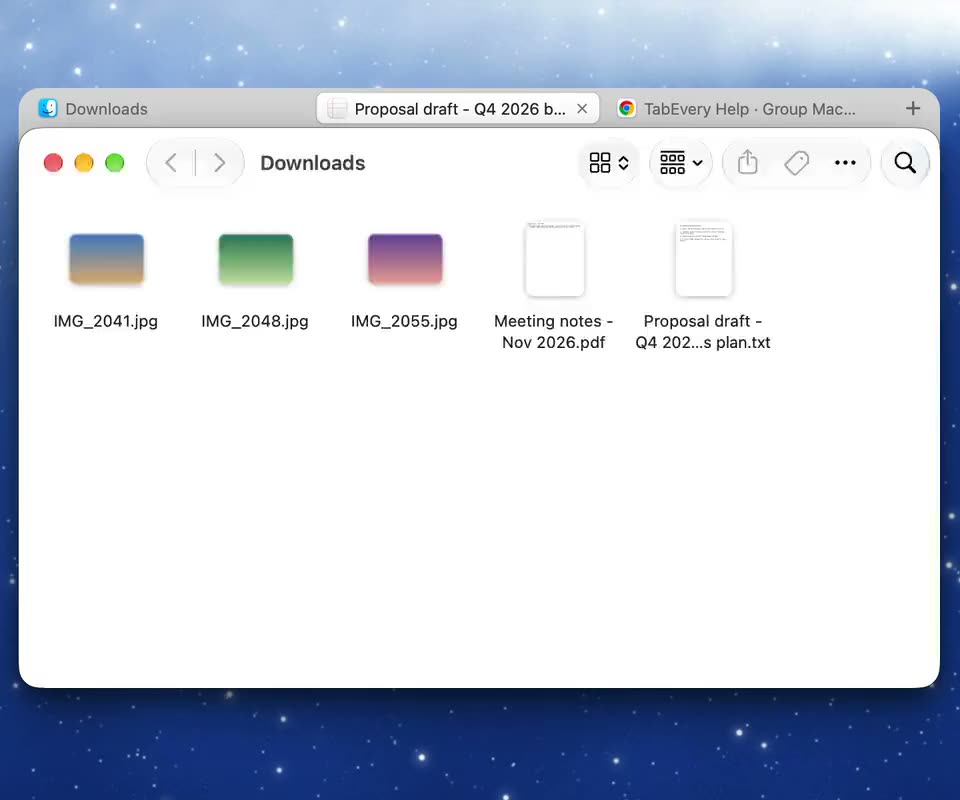
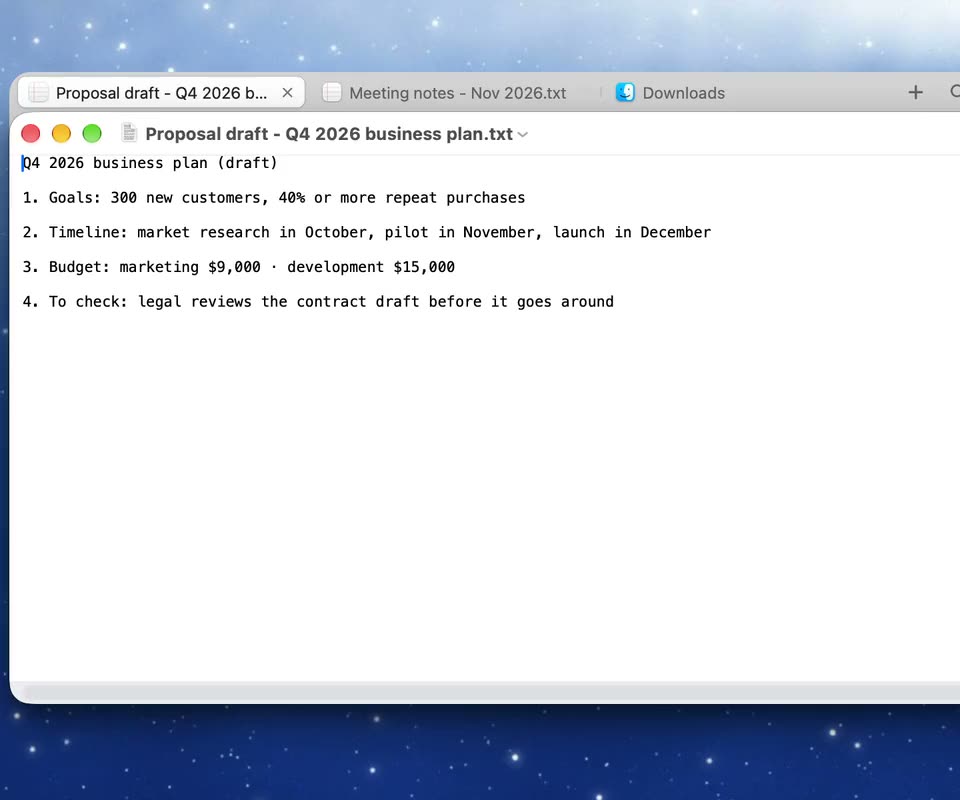
Then drag a window by its title bar onto another window, pause until the blue outline appears, and let go.
Update
- TabEvery updates itself. About once a day it checks tabevery.com and downloads a new version in the background.
- It never restarts while you work. When an update is ready, choose Update and Restart from the TabEvery menu, or it is installed the next time you quit TabEvery. Your settings, groups and license key stay.
- To check right now, choose Check for Updates… from the TabEvery menu.
- To stop the daily check, turn off Settings › General › Check for updates automatically.
- The check downloads a version information file from tabevery.com. The request includes the app's name and version. It does not include a device ID or information about your Mac.
- Version 1.0.2 or earlier does not update itself. Quit TabEvery, download the new version from this page and replace the app in Applications, once. After that, TabEvery updates itself.
Uninstall
- Quit TabEvery. Every window goes back to the size and place it had before grouping.
- Move TabEvery from Applications to the Trash.
- Settings and saved groups are in
~/Library/Application Support/TabEvery/. Delete that folder to remove them too.
Questions about setup or shortcuts? See Help.