 TabEvery
Download free
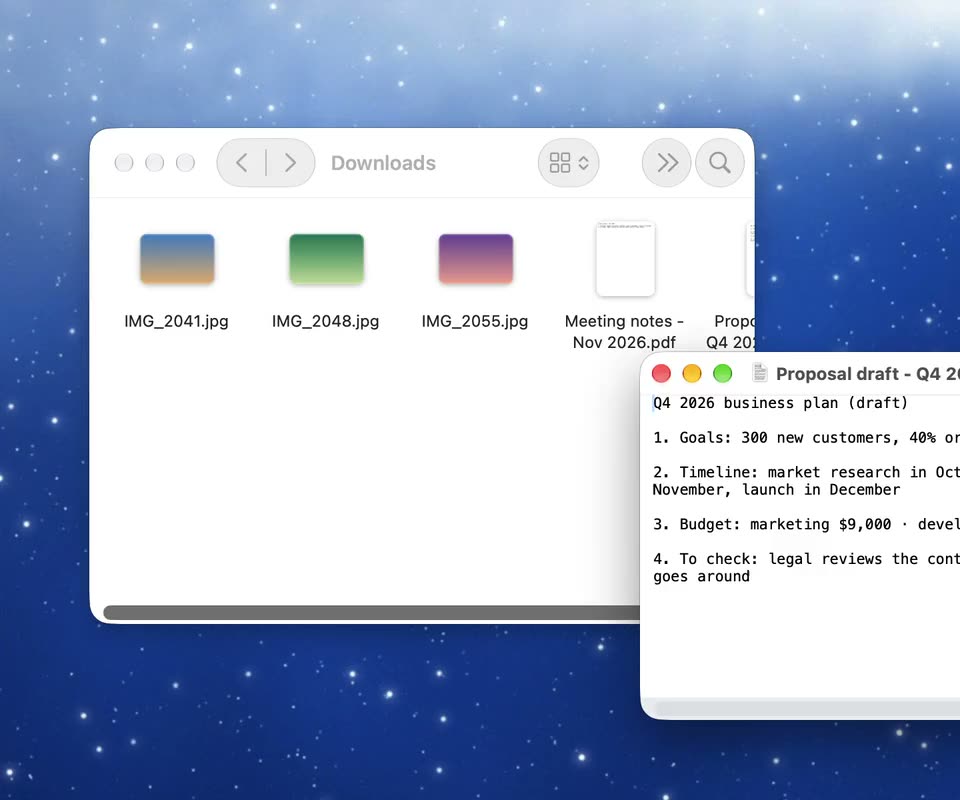
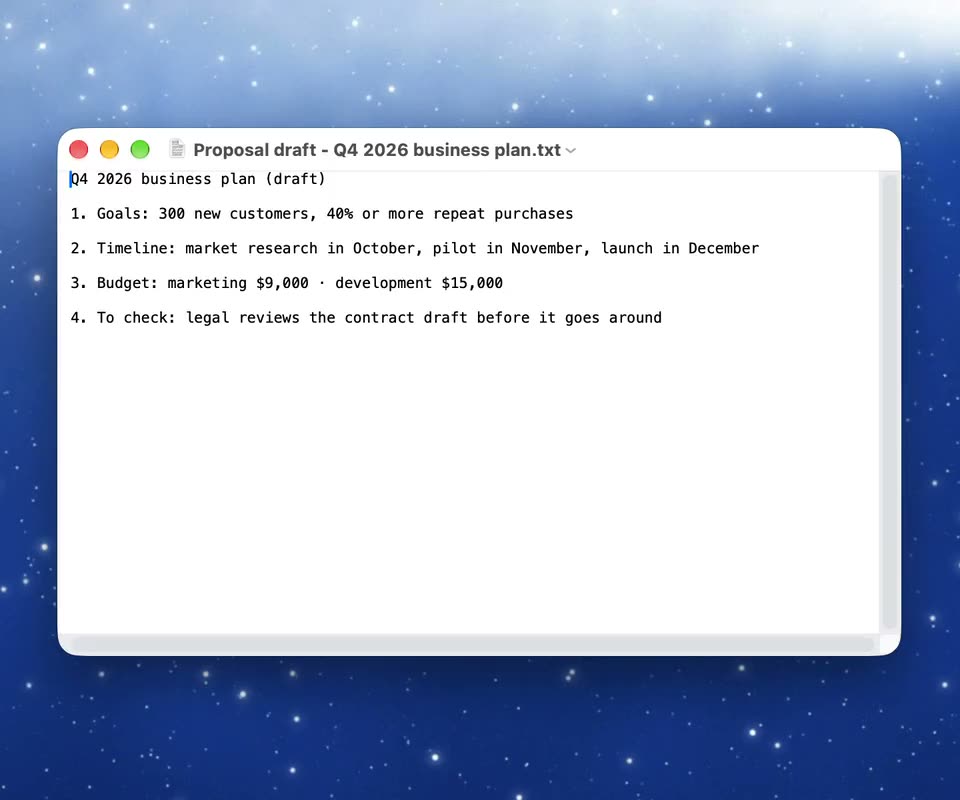
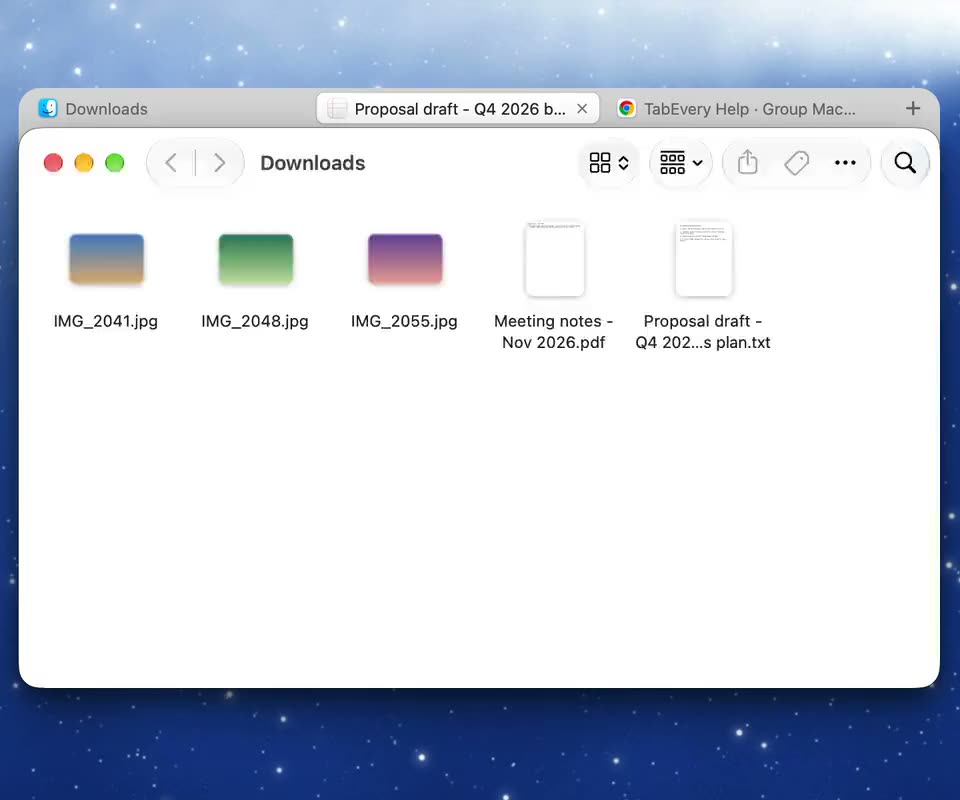
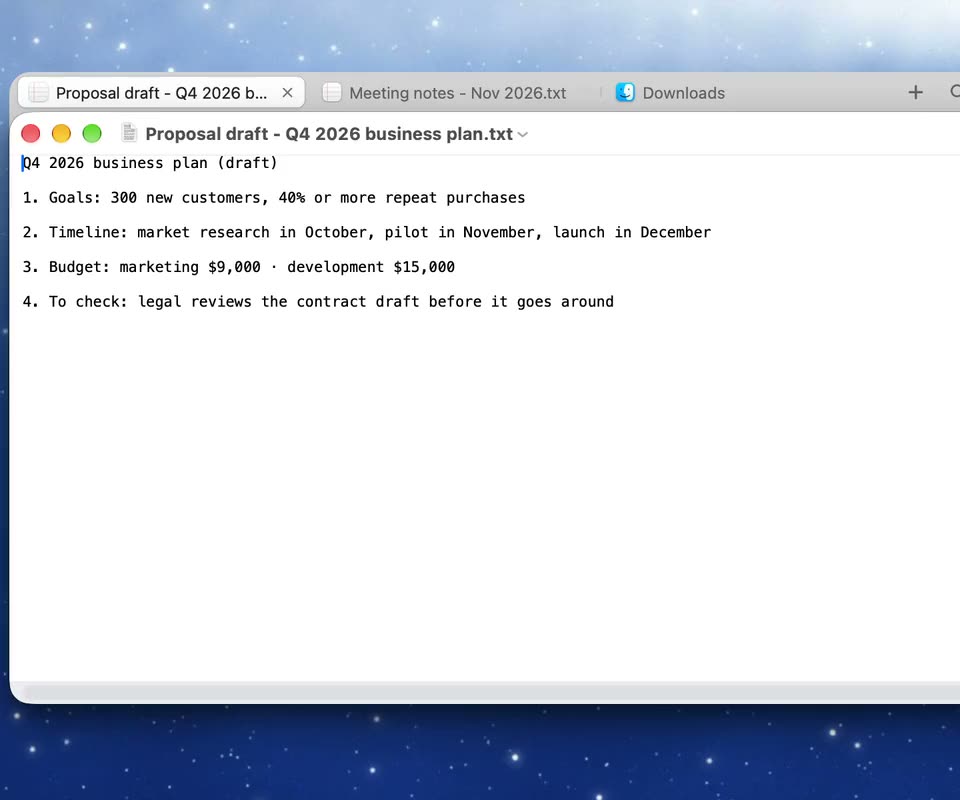
 Proposal draft - Q4 2026 business plan
 Downloads
 TabEvery Help
How to choose a window tab app for Mac: 8 things to check
Several Mac apps put windows from different apps into tabs, and their feature lists look alike. Where they differ is what happens to your windows when something goes wrong, and a feature list doesn't show that. Here are eight checks you can run yourself during a free trial, with TabEvery's result for each.
We make TabEvery, so read our results as claims to verify. Each check says how.
1. Does it tab windows from different apps?
The tabs built into macOS join windows of one app. If that is all you need, you don't need another app: see what macOS does on its own.
- How to check: group a browser window with a Finder window and a document window. Then try the apps you use every day.
- TabEvery: groups windows from any app. We ran one script on 47 apps. 42 opened a window and 38 of those windows can be grouped. All 38 passed grouping, dragging the group, removing the tab and restoring after a force quit. The other 4 (Calculator, Digital Color Meter, Grapher, Freeform) are windows TabEvery does not group.
2. Where do the hidden tabs go?
A tab app has to put the windows you are not looking at somewhere. It can move them off screen, minimize them, or keep them behind the tab you see. A window parked off screen or in the Dock is the one you have to go looking for if the tab app stops.
- How to check: group three windows, then open Mission Control (press ⌃ ↑) and look for the two you can't see. Look in the Dock for minimized windows.
- TabEvery: hidden tabs are never moved off screen or minimized. They sit behind the tab you see, at the group's place. In every test we ran, the number of windows left off screen was 0.
3. What happens to your windows if it is force quit?
This is the check that matters most, and it takes a minute.
- How to check: group a few windows. Open Activity Monitor, select the tab app, click the Stop button in the toolbar and choose Force Quit. Now look at your windows. Are they all on screen? Are they the size they were before you grouped them?
- TabEvery: a separate small watcher process puts every window back at the size it had before grouping. Force quit 10 times with groups open: 10 of 10 restored, in 3.2 to 3.4 seconds. Force quit with a window of each of 38 apps in a group: 38 of 38 restored, 0 off screen. There is a recording of this, not sped up, on the home page.
4. Do your groups come back after a restart?
- How to check: make two groups, quit the tab app and open it again. Are the groups, the tab order and the tab you were on the same?
- TabEvery: groups are saved as you go and regrouped when it opens. We quit normally 5 times and force quit 5 times, then started again: 10 of 10 came back with the same groups, tab order and visible tab. Logging out and restarting the Mac is not tested yet.
5. Does it miss windows that open at once?
If the app can add new windows to a group on its own, see what it does when several open together, for example when you open five files in one go.
- How to check: turn on auto-grouping for an app, select five documents in Finder and open them together. Count the tabs and look at their order.
- TabEvery: we opened 5 new windows within one second, 3 times each in TextEdit, Chrome and Finder. 45 of 45 joined, in the order they opened, within 0.51 to 0.80 seconds.
6. Does switching flicker or show the wrong window?
- How to check: put windows of different sizes from three or four apps in one group and switch quickly with the keyboard. Watch for a flash of another window, a window that vanishes for a moment, or a tab bar that gets covered.
- TabEvery: only the window of the tab you pressed comes forward. In 159 switches with real key presses, the wrong window showed 0 times. The average was 33 to 53 ms and the slowest 96 ms. With large windows from six apps filling the screen, the slowest switch was 145 ms.
7. What does it ask for, and what does it read or send?
Any app that moves other apps' windows needs Accessibility access. That part is normal. What to look at is what else it asks for, and whether it says plainly what it reads and what leaves your Mac.
- How to check: after setup, open System Settings › Privacy & Security and see which lists the app is in. Read its privacy page.
- TabEvery: asks for Accessibility access and uses it to move and resize windows, show window titles on tabs, and notice its tab-switching shortcuts. It never reads window contents or what you type. It needs no account and sends no usage data.
- What it does contact: tabevery.com about once a day to check for a new version, which you can turn off in Settings. When a license key is registered, it reads a public list of refunded keys, and sends the key with a hashed device ID, the computer's name and the OS to tabevery.com so one key works on up to 3 computers. A problem report is sent only when you press Send Report.
- If you save a group that holds documents from your Documents, Desktop or Downloads folder, macOS asks whether TabEvery may access that folder.
The details are on the Privacy page.
8. What does it cost, and what happens when the trial ends?
Check whether it is one payment or a subscription, how many Macs a license covers, and what the app does to your windows on the day the trial runs out.
- TabEvery: US$9.99 once, for up to 3 computers, with all updates before version 2.0. Refunds within 14 days of purchase.
- The trial is 14 days, with no account. When it ends, new grouping pauses. Groups you already have stay until you quit TabEvery, and then every window goes back to where it was.
One more: what it uses while you do nothing
- How to check: leave a few groups open for an hour and look at the app in Activity Monitor.
- TabEvery: with 3 groups and 15 tabs open and idle for 61 minutes, 0.21% CPU on average and 25 MB of memory. Neither kept rising.
All eight in one table
| Check | TabEvery, measured |
|---|---|
| Different apps | 38 of 38 groupable app windows passed |
| Hidden tabs | Behind the visible tab. 0 windows off screen in every test |
| Force quit | 10 of 10 restored. 38 of 38 apps restored |
| Restart of the app | 10 of 10 came back with the same groups and order |
| 5 windows at once | 45 of 45 joined, in order |
| Switching | 0 wrong windows in 159. Slowest 96 ms, 145 ms with large windows from six apps |
| Permissions | Accessibility. No account, no usage data |
| Price | US$9.99 once. 14-day trial |
Measured on one Mac mini with macOS 27.2.1 on November 28 and 29, 2026, with scripts that send real key presses and mouse drags. The force-quit time of 3.2 to 3.4 seconds is from a build made before release, and the rest are from version 1.0.0. Your Mac may differ. The method for each number is in Why we built it, and what we measured.
When TabEvery is not the right choice
- You only need tabs inside one app. The tabs built into macOS do that for free.
- You want a tab to follow you to another Space. A tab dragged to another Space leaves its group.
- Your Mac runs macOS 13 or earlier. TabEvery needs macOS 14 or later.
- You install apps only from the Mac App Store. TabEvery is not there. It is a signed and notarized download from this site.
- You depend on something we have not tested. That list is on the measurements page: macOS 14 itself, real Intel Macs, unplugging a display, logging out.
Run the checks
TabEvery is free for 14 days, with no account, so you can run all eight on your own Mac.