 TabEvery
Download free
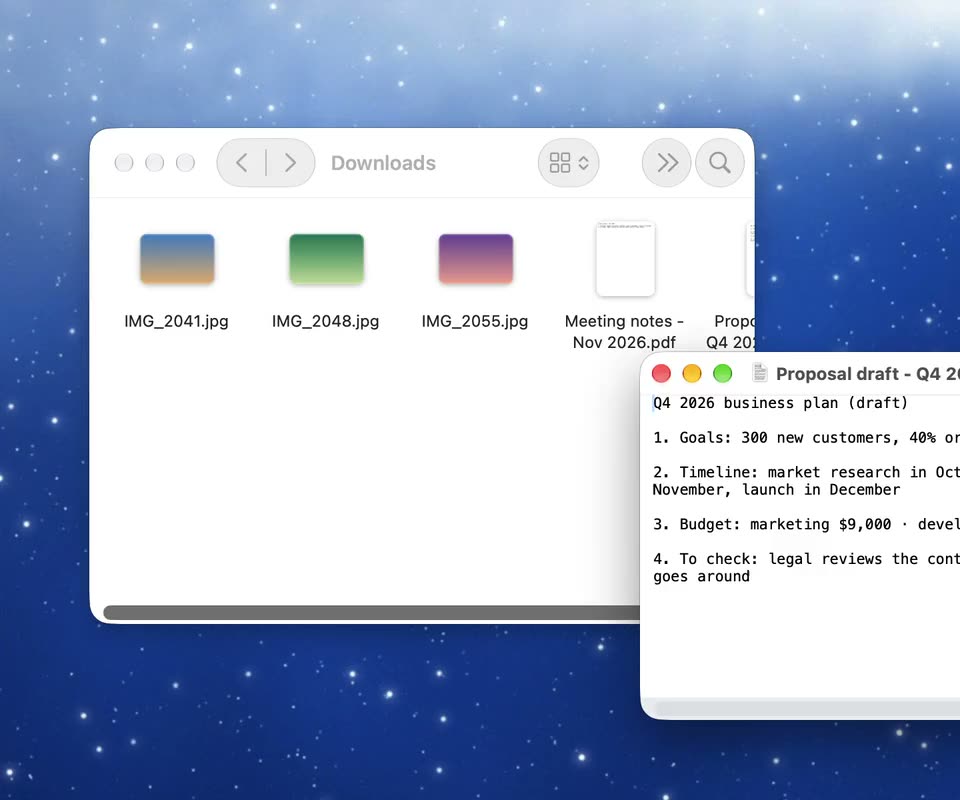
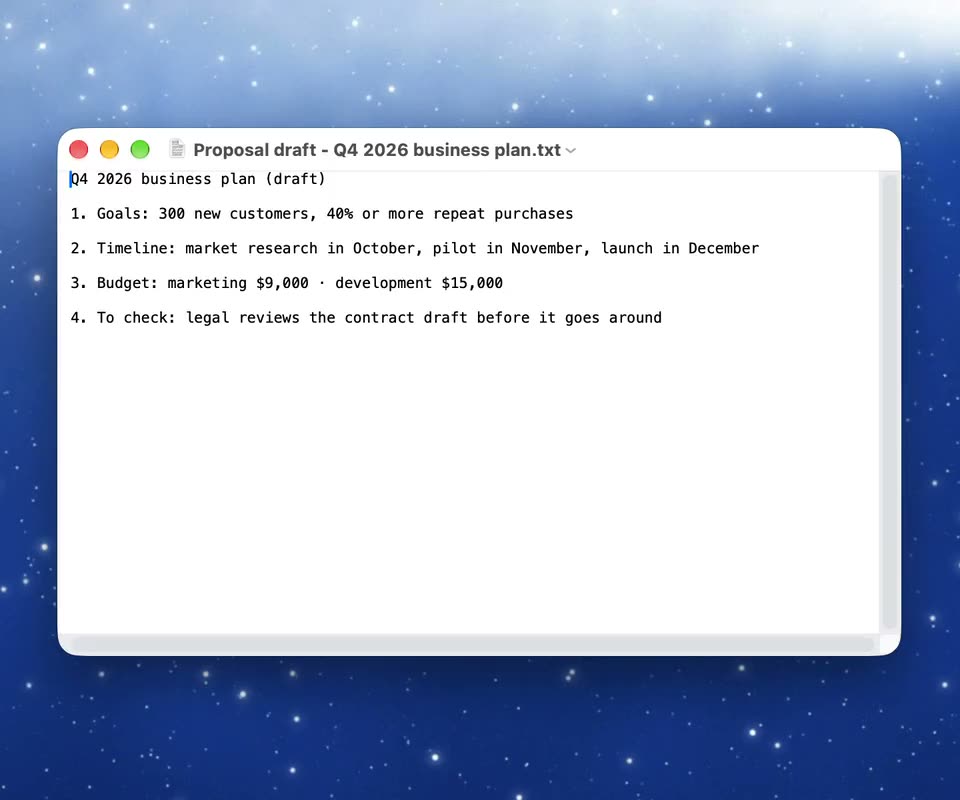
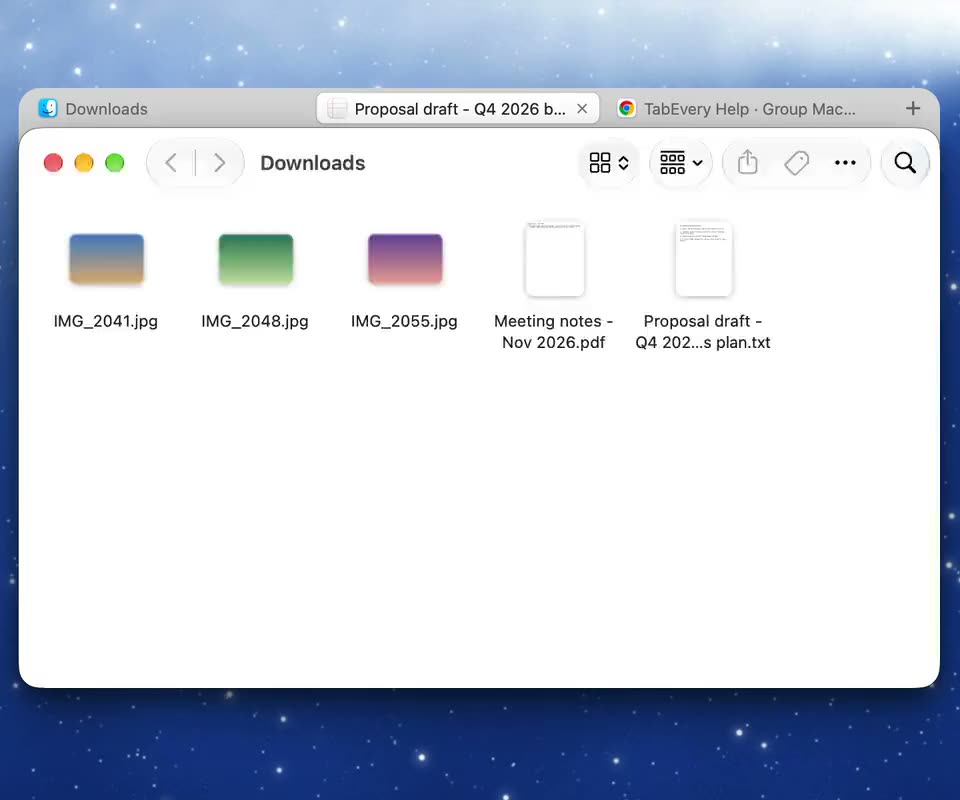
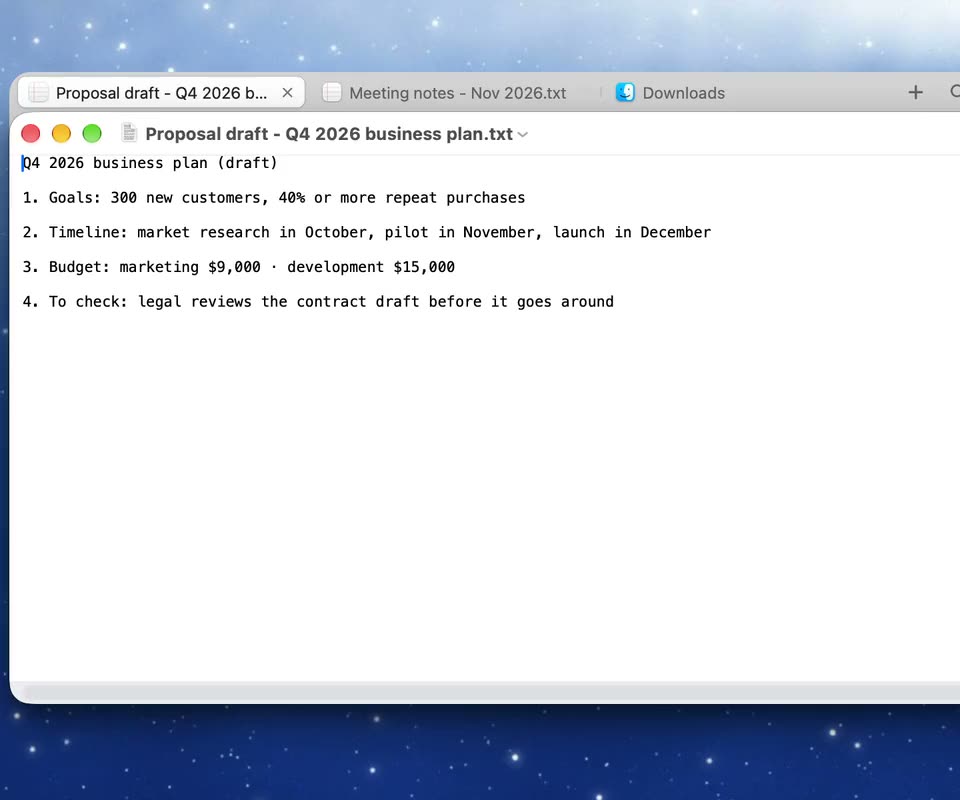
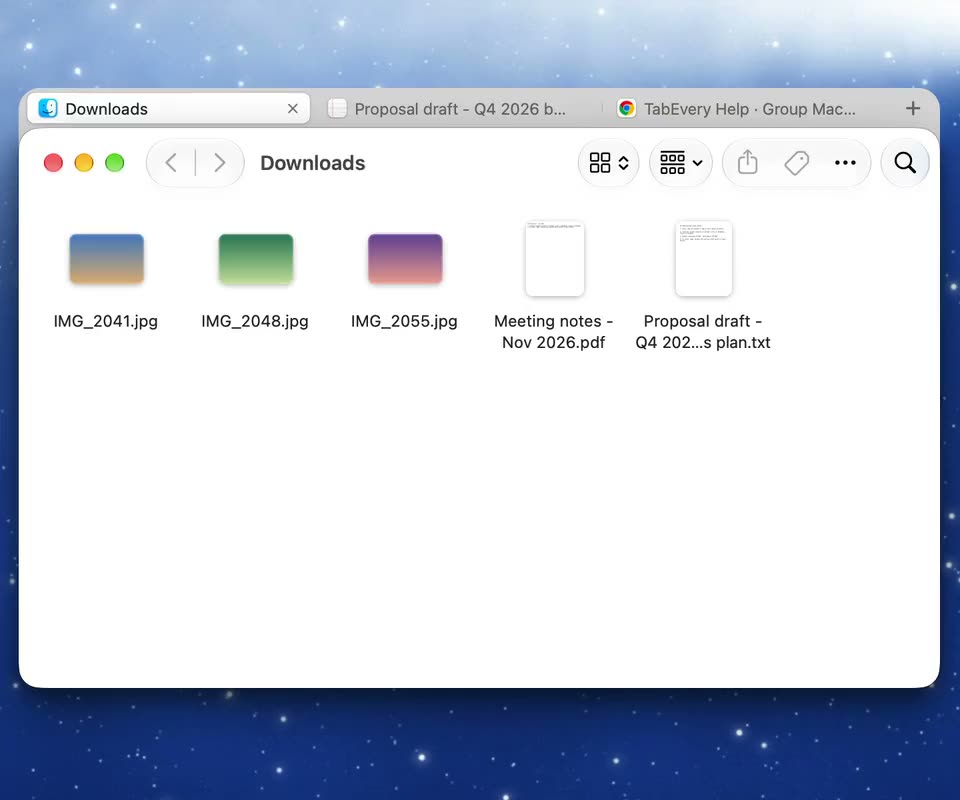
 Proposal draft - Q4 2026 business plan
 Downloads
 TabEvery Help
Guides
How to keep windows from different Mac apps together. Each guide says what macOS does on its own, where TabEvery comes in, and what we measured.
How to group windows from different apps into tabs on a Mac
What the tabs built into macOS do, where they stop, and how to put windows from different apps under one tab bar.
How to choose a window tab app for Mac: 8 things to check
Eight checks you can run yourself during a free trial, from where hidden tabs go to what a force quit does to your windows.
Too many windows on your Mac: what each built-in tool does, and what's left
Mission Control, Spaces, Stage Manager, tiling, hiding and tabs: what each is good for, and the one case none of them covers.
Editor, terminal and browser in one tabbed window
One group per project, shortcuts that don't fight your editor, and what we tested with VS Code, Terminal and iTerm2.
Sources, notes and draft in one tabbed window
A PDF, browser pages, notes and the draft under one tab bar, with a source next to the draft in split view.
Looking for setup and shortcuts? See Help. For the full test record, see Why we built it, and what we measured.