 TabEvery
Download free
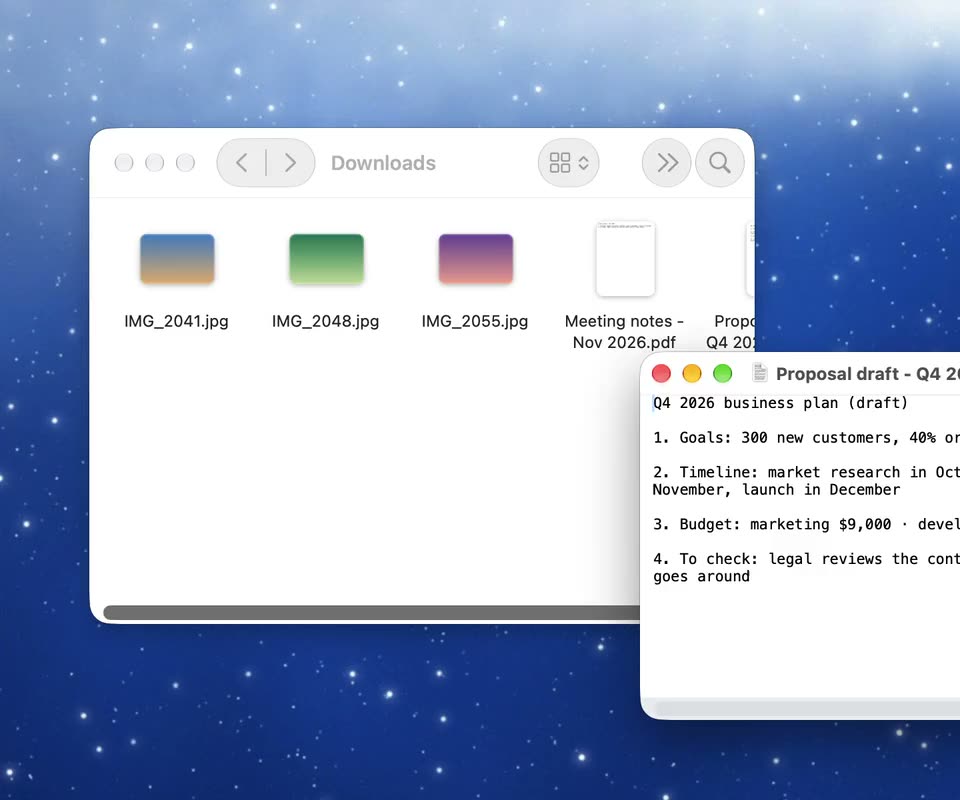
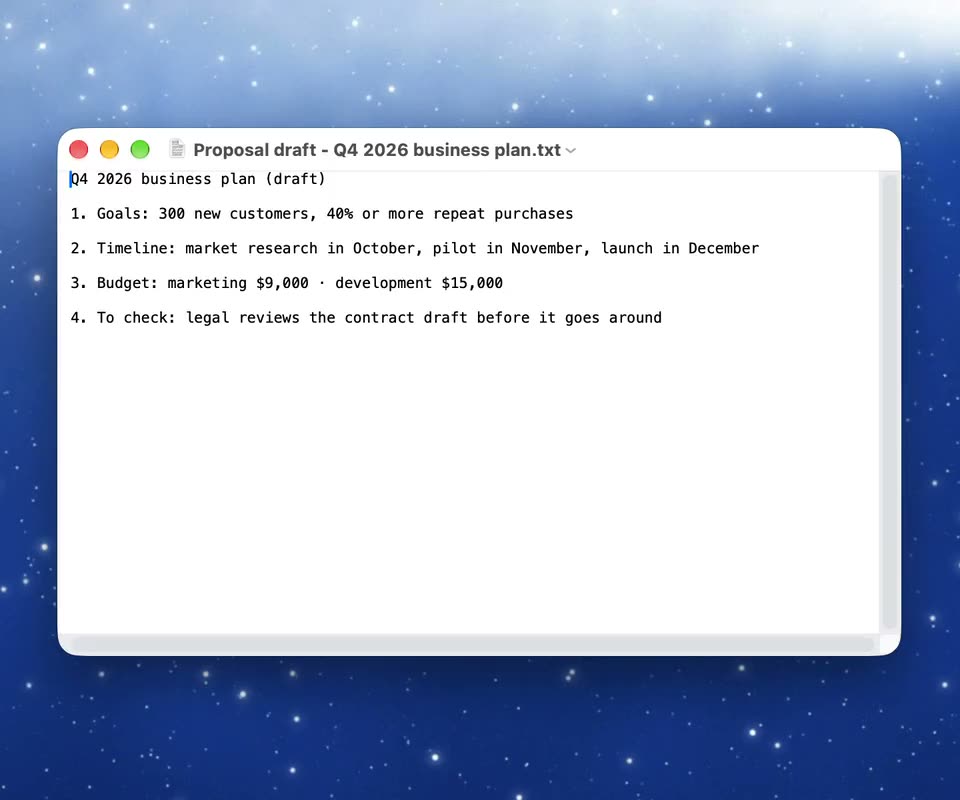
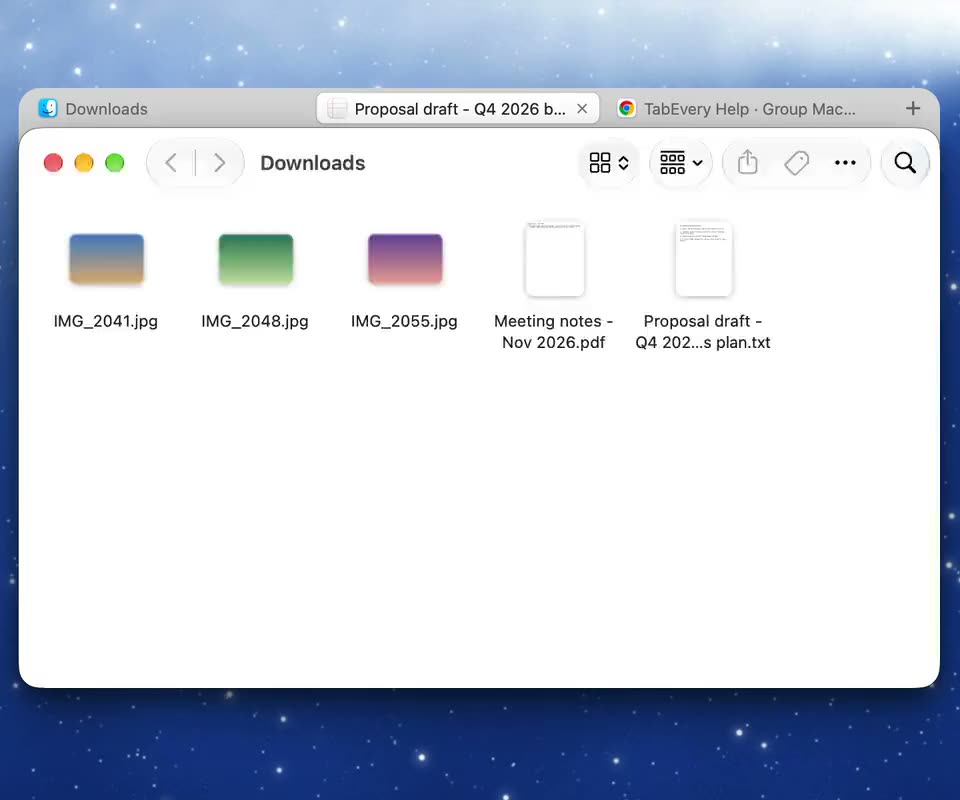
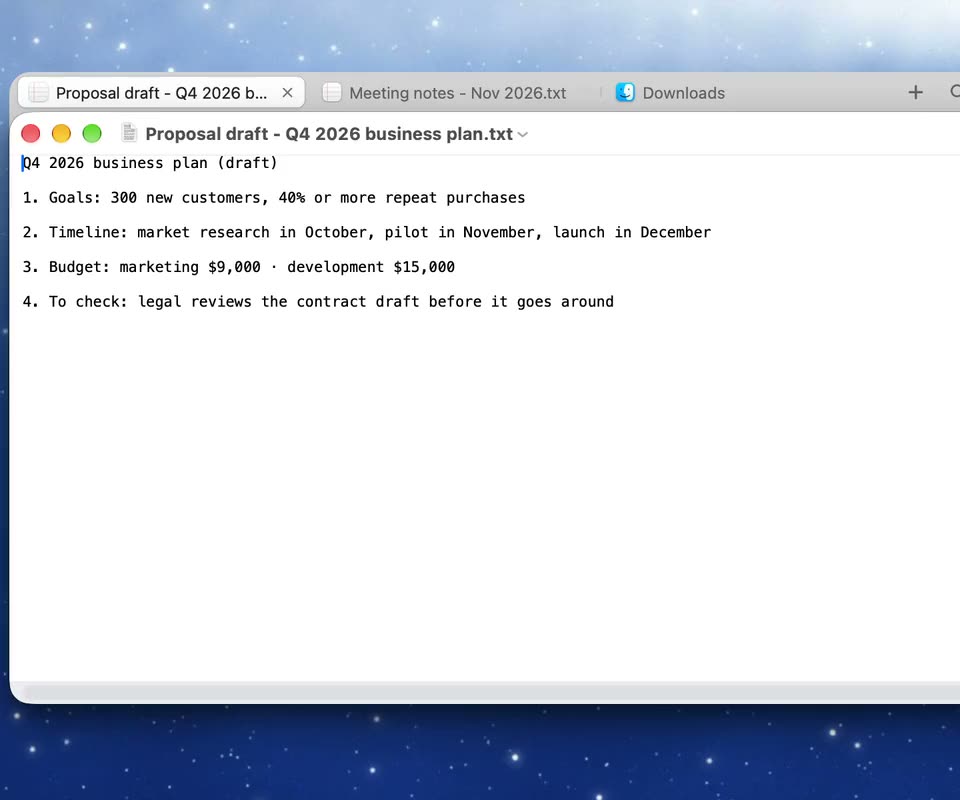
 Proposal draft - Q4 2026 business plan
 Downloads
 TabEvery Help
TabEvery groups windows from any Mac app into tabs in one window. This page covers setup, everyday use and what to check when something doesn't work.
Turn on Accessibility access
macOS requires Accessibility access for any app that moves and resizes other apps' windows. TabEvery asks for it the first time you open it.
- Move TabEvery to the Applications folder and open it from there.
- In the welcome window, click Open System Settings.
- In Privacy & Security › Accessibility, turn on TabEvery.
- Go back to TabEvery. It continues on its own once access is on. You don't need to reopen it.
TabEvery uses this access to move and resize windows, show window titles on tabs, and notice its tab-switching shortcuts. It never reads window contents or what you type.
Group windows
- Drag a window by its title bar onto another window.
- Pause until a blue outline appears with the label Release to group with this window.
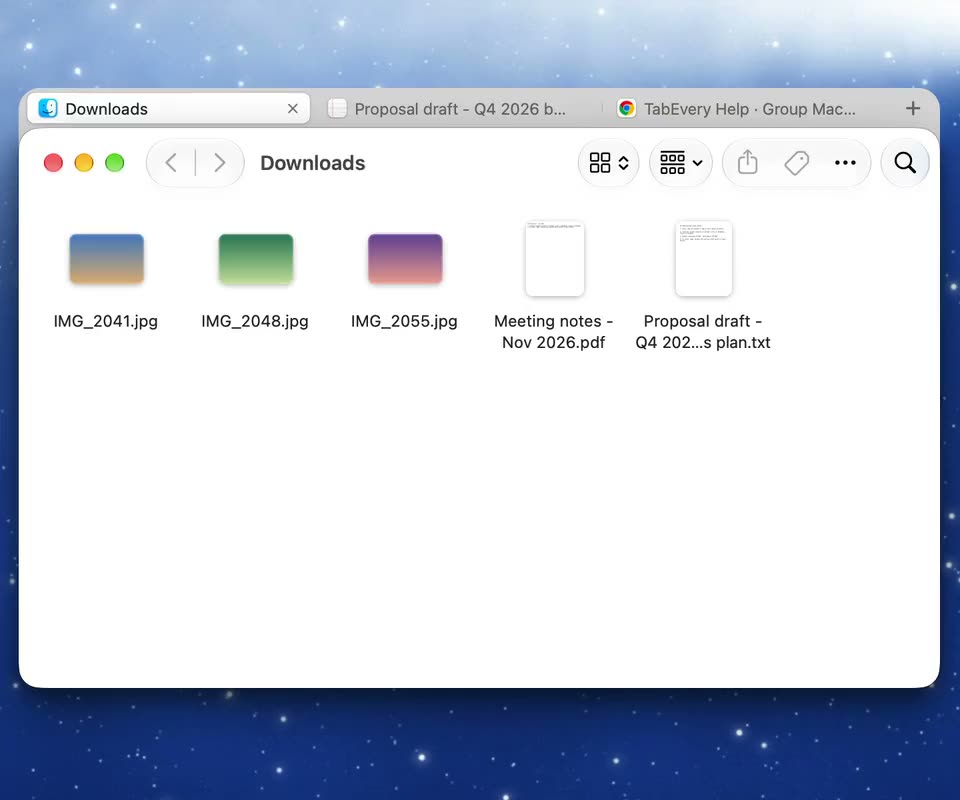
- Let go. The two windows become tabs under one tab bar.
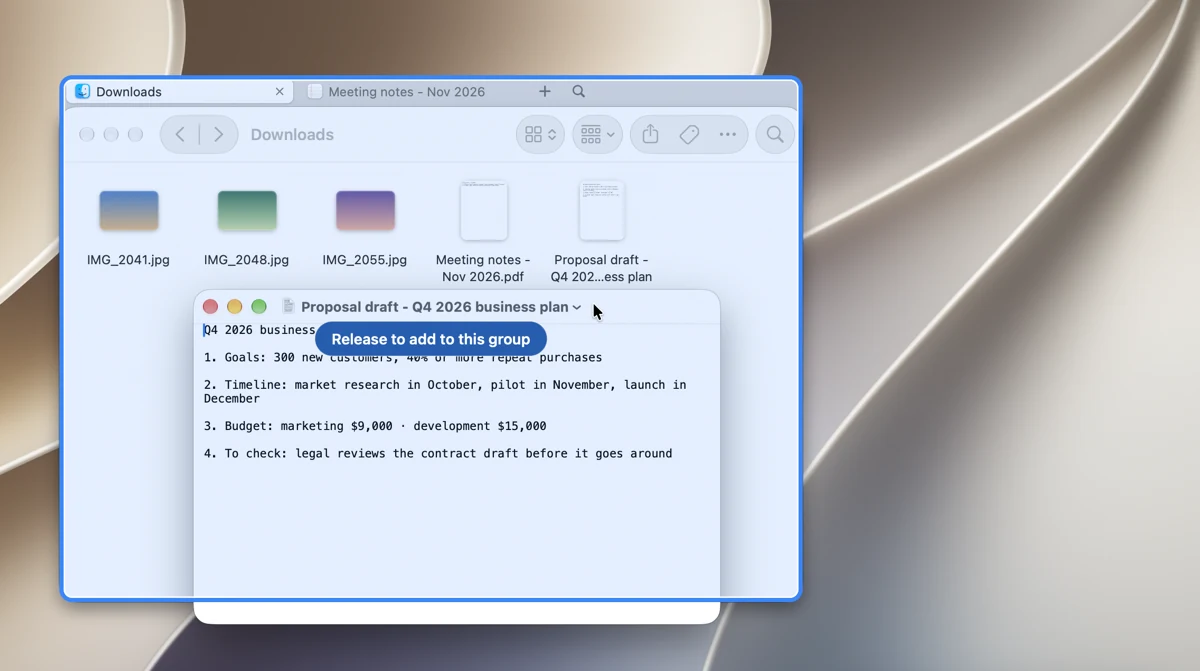
- Drop a window on a group and it joins that group as the last tab.
- If you let go before the outline appears, nothing is grouped. The window just moves.
- The pause is 0.4 seconds by default. Change it in Settings › Grouping › Hover delay.
- To group only while holding a key, pick Shift or Command in Settings › Grouping › Hold while dragging.
Other ways to group:
- Click + at the right end of a tab bar to add open windows to that group.
- From the TabEvery menu in the menu bar, choose Group Windows… to pick windows from a list, or Group All (app name) Windows to group every window of the front app.
What TabEvery does not group: full-screen windows, dialogs and palettes, windows narrower than 300 points, and apps listed in Settings › Grouping › Never group windows from.
Auto-group new windows
In Settings › Grouping, add apps to Auto-group new windows from.

- A new window from that app joins the most recently used group that already holds a window of the same app, as the last tab.
- If no group holds that app yet, the new window is grouped with another window of the same app.
- Windows opened quickly one after another are added in the order you opened them.
- When you add an app to the list, its windows that are already open are grouped right away.
- Dialogs and save panels are left alone.
Switch tabs and shortcuts
Click a tab, or use the keyboard:
| Keys | What it does |
|---|---|
| ⌥ → | Next tab |
| ⌥ ← | Previous tab |
| ⌥ 1 to 9 | Tab by number |
| ⌥ \ | Turn split view on or off |
| ⌃ ⌥ F | Find a tab by title or app name. Off by default |
- Option is the default. Pick other modifier keys in Settings › Shortcuts › Modifier keys.
- TabEvery takes these keys only when the front window is in a group. Otherwise they go to the app as usual.
- If an app needs the same keys, add it to Settings › Shortcuts › Turn off shortcuts in.
- Switching brings only that tab's window forward, not every window of its app.
- To find a tab by title or app name, choose Find Tab… from the TabEvery menu in the menu bar. To use ⌃ ⌥ F for it, turn that on in Settings › Shortcuts.
Split view
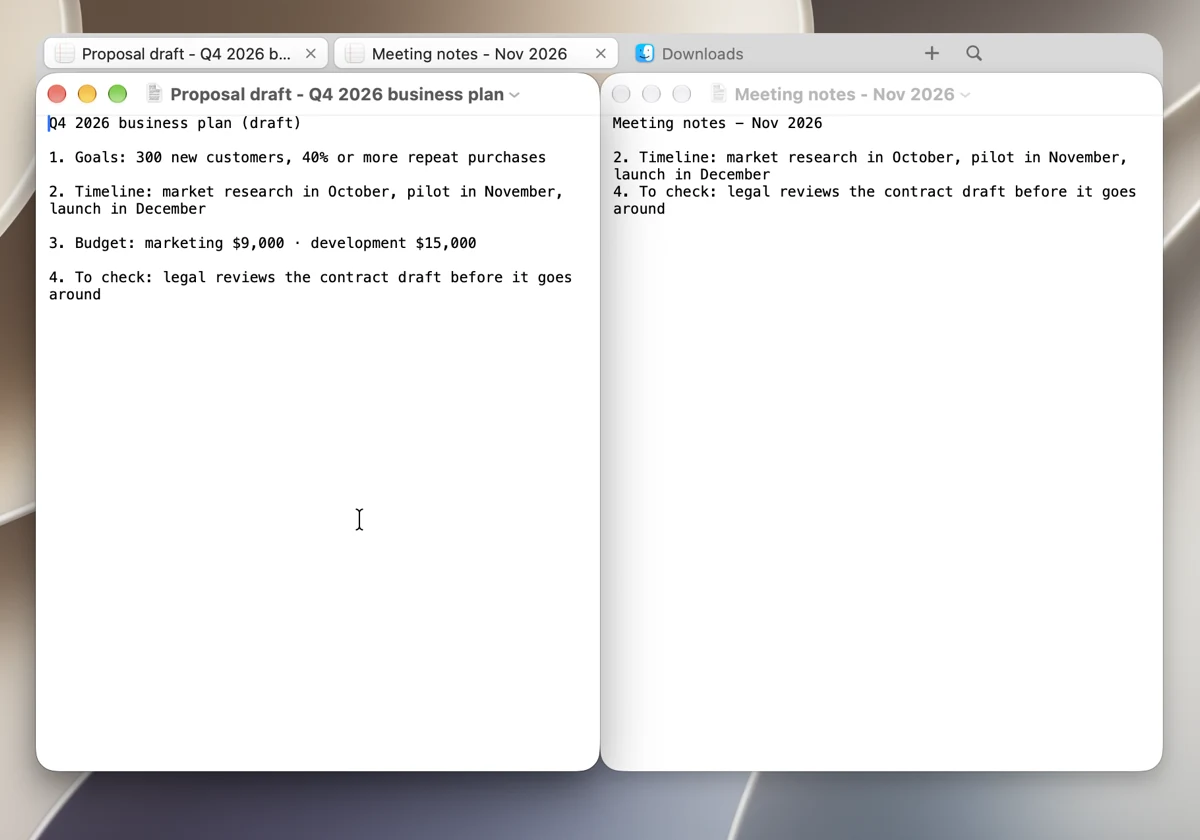
Split view shows two tabs of one group next to each other.
- Press ⌥ \. The tab you see goes on the left and the next tab goes on the right. Press it again to turn split view off.
- Or right-click a tab and choose Split Right to put that tab on the right.
- To move the divider, drag the edge where the two windows meet. The other window follows when you let go.
- Right-click either tab of the pair and open Split View for Arrange Top and Bottom, Arrange Side by Side, Swap Panes, Center Divider and Exit Split View.
- The pair acts like one tab. Click another tab to see it alone, then click either tab of the pair to see both again.
- A pane does not get narrower than 300 points. If the two windows can't fit on the screen, split view turns off instead of overlapping them.
Reorder, remove and ungroup
- Reorder: drag a tab left or right along the bar. Number shortcuts follow the new order.
- Remove one tab: drag the tab down, off the bar. Or right-click the tab and choose Remove from Group.
- Ungroup one group: right-click a tab and choose Ungroup Tabs.
- Ungroup everything: choose Ungroup All from the TabEvery menu in the menu bar.
A window that leaves a group goes back to the size it had before you grouped it. When only one tab is left, the group ends and that window goes back to its size too.
The right-click menu on a tab also has Rename Tab…, Pin Tab, Color, Minimize Group and Save Group….
Window size
- A group has one size. When you group a window onto another, the group takes the size of the window you dropped onto, and tabs you add later take that size.
- Resize the tab you see, and the whole group takes the new size.
- Some windows can't shrink to the group's size. That tab shows larger, and the group's size stays the same.
- To keep each tab at its own size instead, turn on Settings › General › Remember window size for each tab.
Quit, restart and saved groups
- When you quit TabEvery, every window goes back to the size and place it had before grouping.
- If TabEvery is forced to quit, a small separate watcher process puts the windows back.
- Groups are saved as you go. When TabEvery opens again, it finds the windows that are still open and groups them again. Turn this off in Settings › General › Restore groups when TabEvery opens.
- To bring groups back by hand, choose Restore Previous Groups from the TabEvery menu.
- To keep a set of windows for later, right-click a tab and choose Save Group…. Open it again from Saved Groups in the TabEvery menu.
- To open TabEvery when you log in, turn on Settings › General › Open at login.
Trial and license
- TabEvery is free to try for 14 days from the first time you open it.
- When the trial ends, new grouping pauses. Groups you already have stay until you quit TabEvery, and then every window goes back to where it was.
- After you buy, paste your key in Settings › License, or press the button in the key email on the Mac that has TabEvery. The first time on each Mac, registering needs an internet connection. After that, it works without one.
- One key works on up to 3 computers. To use it on another computer, remove one of the registered computers in the app. Lost your key? Get your key again.
- TabEvery updates itself. About once a day it checks tabevery.com and downloads a new version in the background. It never restarts while you work: choose Update and Restart from the TabEvery menu, or the update is installed the next time you quit TabEvery. To stop this, turn off Settings › General › Check for updates automatically. If you have version 1.0.2 or earlier, download the latest version once from the Download page.
When something doesn't work
Dragging a window doesn't group it
- Hold the window still over the other window until the blue outline appears, then let go.
- Drag by the title bar, not by the window's content.
- Check that TabEvery is on in System Settings › Privacy & Security › Accessibility.
- If Settings › Grouping › Hold while dragging is set to a key, hold that key while you drag.
- Full-screen windows, dialogs and windows narrower than 300 points are not grouped.
- If the trial has ended, grouping is paused until you enter a license key.
- If your key doesn't register, check that your Mac is connected to the internet, and update TabEvery to the latest version.
Accessibility is on, but TabEvery still asks for it
- Open TabEvery from the Applications folder. If it runs from the disk image or the Downloads folder, macOS may not keep the permission.
- In System Settings › Privacy & Security › Accessibility, select TabEvery, remove it with the minus button, then open TabEvery and turn it on again.
A shortcut does nothing, or an app stopped getting its own shortcut
- Shortcuts work only when the front window is in a group.
- If an app uses Option with arrows or numbers itself, add it to Settings › Shortcuts › Turn off shortcuts in, or choose different modifier keys.
A window looks stuck or is the wrong size
- Choose Ungroup All from the TabEvery menu. Every window goes back to the size and place it had before grouping.
- Quitting TabEvery does the same.
Known limits
- A tab you drag to another Space leaves its group. macOS has no public way to move another app's window between Spaces.
- A group that was minimized when you quit is not regrouped automatically. Use Restore Previous Groups.
- Some apps show a welcome or file-picker window when they open. That window appears above the app's tab until you close it.
- Switching tabs usually takes under 0.1 seconds. In our tests on 1.0.0 it never took more than 0.15 seconds, even with large windows from several apps. See what we measured.
Still stuck?
Email support@tabevery.com. Tell us your macOS version, the app whose window is involved, and what you did just before the problem.